SERVICE

What we can build for business operations

We design and build business systems around areas where work tends to stall, including customer management, task tracking, contracts, inventory, reservations, and data integrations. This page summarizes common consultation themes with buildable screen examples, handled information, and what we verify first.

Consulting while reviewing workflow notes

THEME

Breakdown by consultation theme

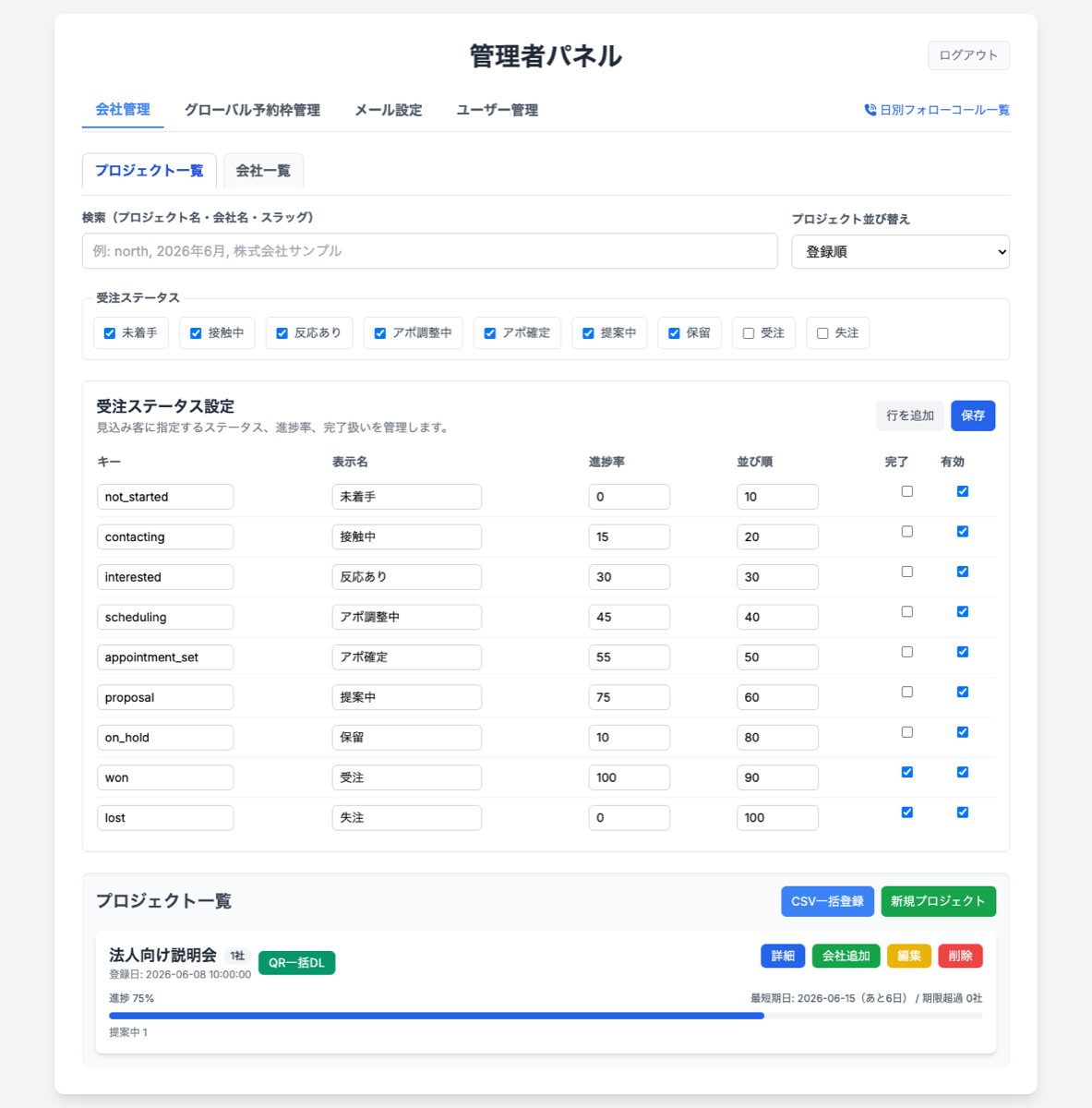
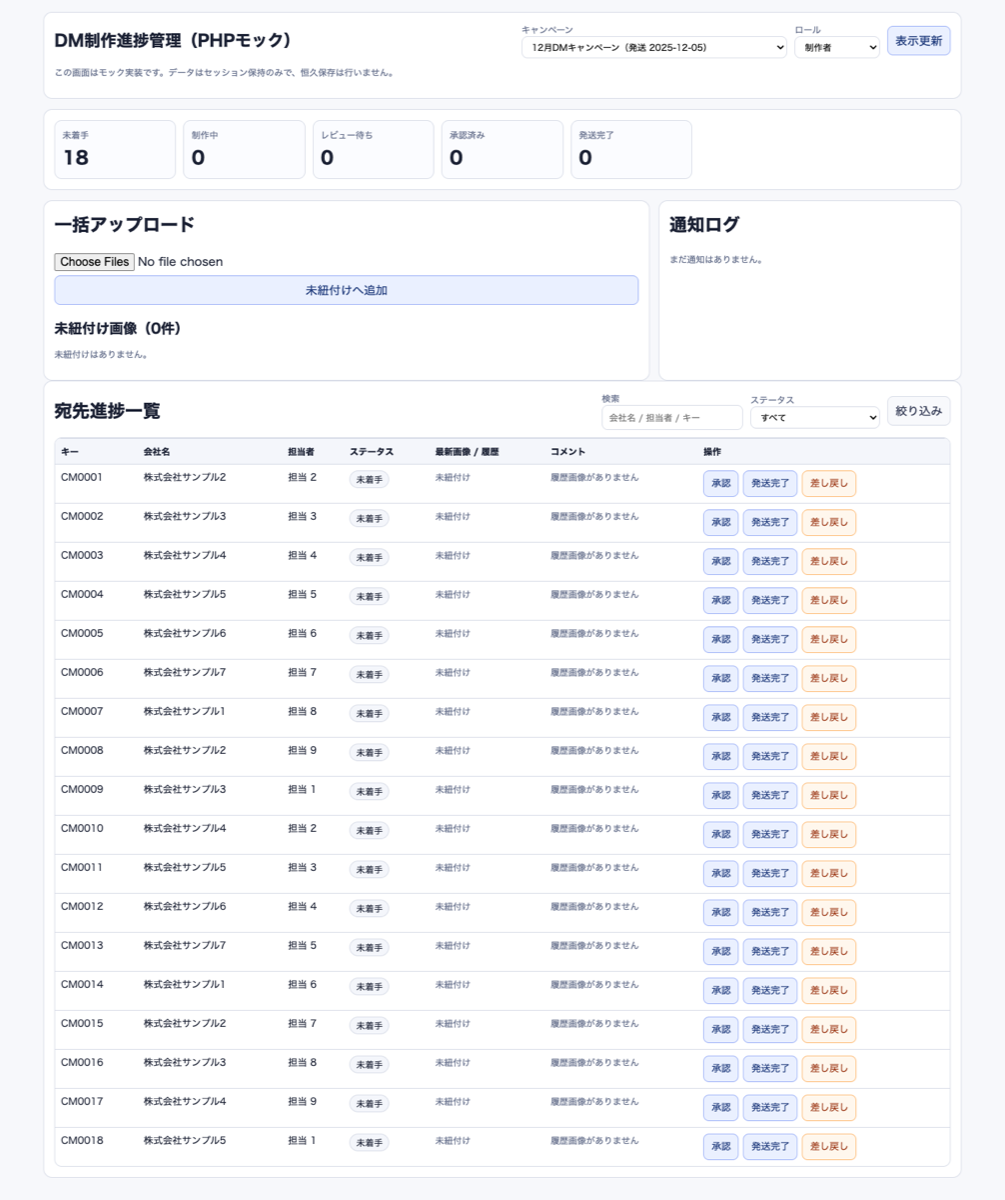
Company management screen for applications

Sales support and customer management

Unify customer records, inquiries, interaction history, and follow-up timing in one workflow.

Scope to organize

Bring customer records, interaction history, owner, follow-up timing, and deal status into one context.

Screen examples

Customer listCustomer detailInteraction historyFollow-up schedule
View details
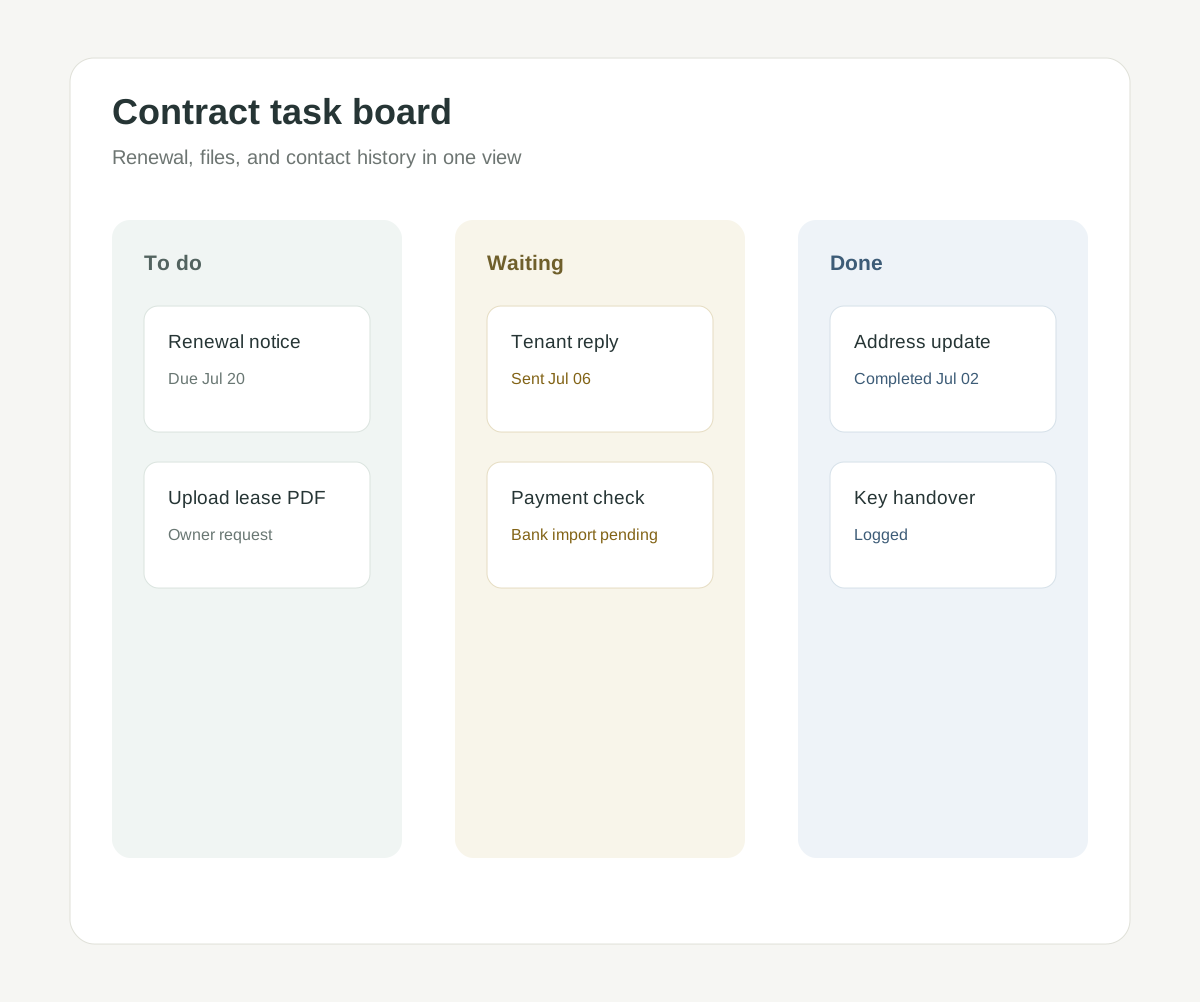
Contract task management screen

Team task organization

Organize requests, owners, deadlines, progress, and comments so the next action is clear.

Scope to organize

Organize requests, owners, deadlines, progress, and comments so the next action is clear.

Screen examples

Task listOwner boardDeadline calendarProgress detail
View details
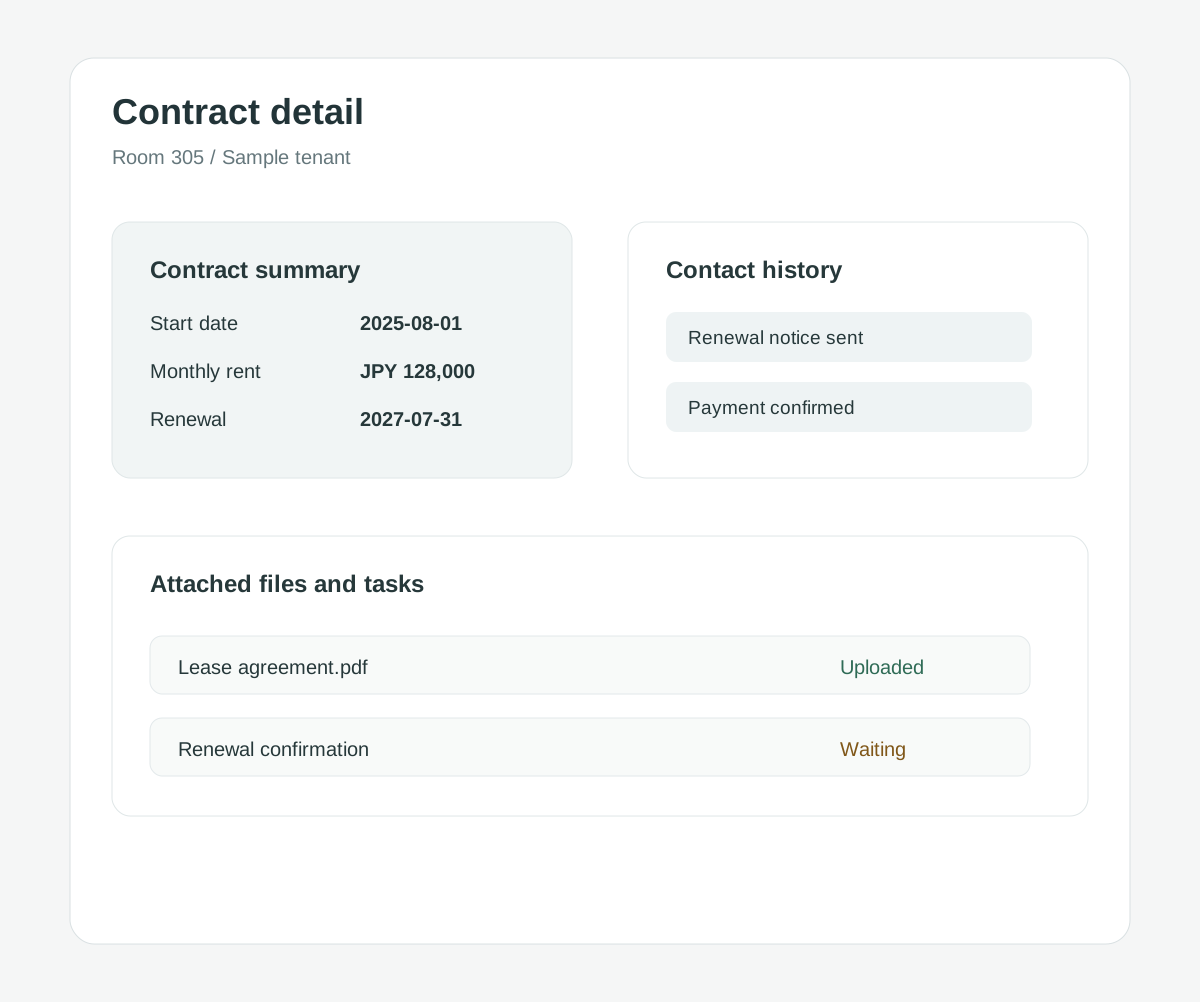
Rental contract detail management screen

Rental property operations

Connect contracts, payments, renewals, inquiries, and tasks by contract to reduce missed checks.

Scope to organize

Connect contracts, payments, renewals, inquiries, and tasks by contract to reduce missed checks.

Screen examples

Contract listContract detailPayment ledgerRenewal schedule
View details
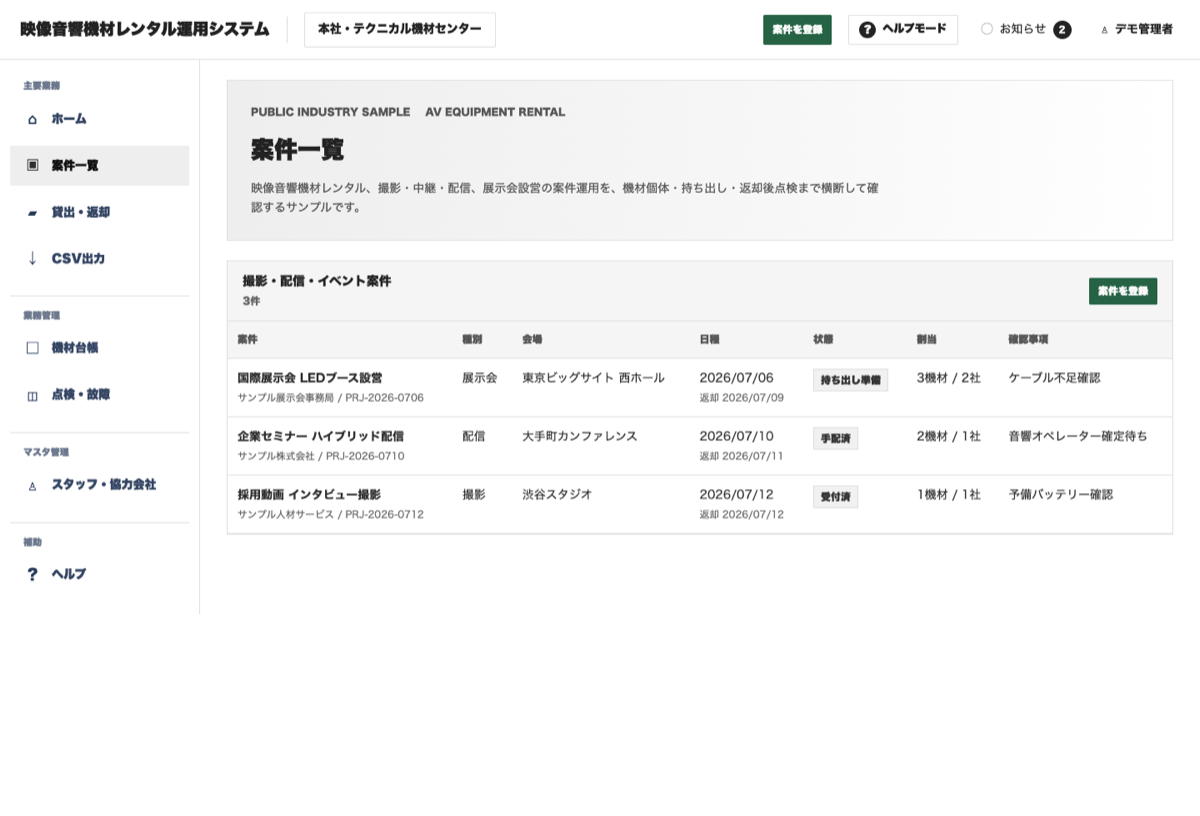
Management screen for inventory and projects

Inventory visibility

Connect stock counts, movements, reservations, reorder decisions, and stocktaking.

Scope to organize

Connect stock count, movements, reservations, reorder decisions, and stocktaking.

Screen examples

Inventory listMovement historyReorder candidatesStock alerts
View details
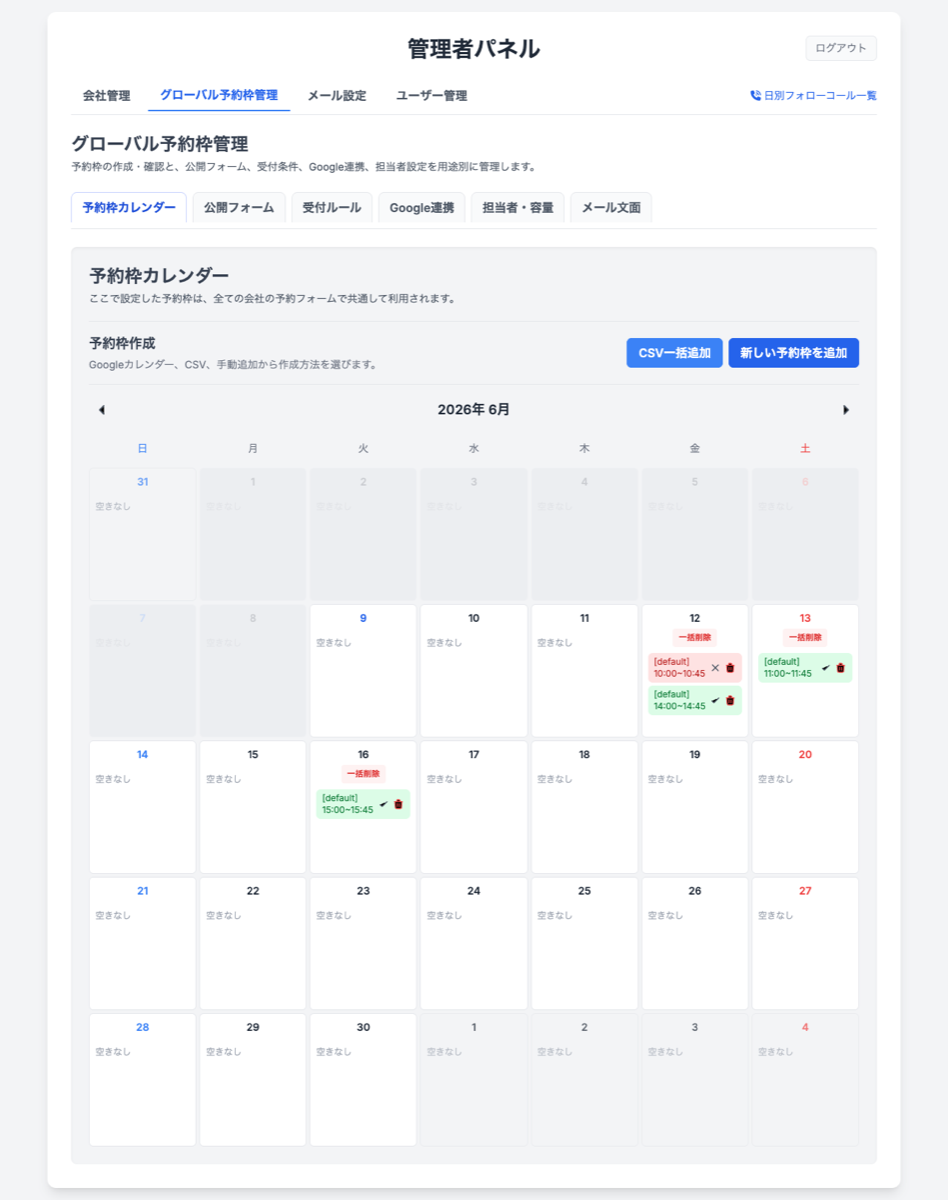
Booking slot management screen

Reservation management

Handle booking intake, availability, customer data, confirmations, and change history in one flow.

Scope to organize

Handle booking intake, availability, customer data, confirmations, and change history in one flow.

Screen examples

Booking calendarAvailability settingsBooking detailCustomer profile
View details
Progress dashboard connecting multiple workflows

Connecting multiple systems

Create import, sync, review, and error-handling flows between SaaS, CSV, and existing systems.

Scope to organize

Create a flow for sync, import, checks, and error handling between SaaS tools and existing systems.

Screen examples

Integration listImport historySync statusError review
View details

JUDGMENT

How to decide whether to keep Excel or build a system

Using Excel is not a problem by itself. Separating current operational friction from future control requirements helps identify what should actually change.

When Excel may still fit

Excel can remain practical while a small number of people handle the work and the input or reporting format changes frequently.

  • Few people and files are involved
  • Approvals, permissions, and audit history are unnecessary
  • Duplicate entry and version confusion are not occurring

When to consider a system

Systemization becomes worth considering when several people need the same reliable information and the process or responsibility must be controlled.

  • The same information is copied into multiple files
  • Searching, reporting, and checking take too long
  • Permissions, history, approvals, or notifications are required

What to check when comparing providers

Look beyond product and feature descriptions. Check whether the provider can review the current operation and explain what should remain and what should change.

  • Can review current spreadsheets and forms
  • Can confirm the intended result with screens or a prototype
  • Can explain migration, maintenance, and external costs separately

CHECK

What to prepare before discussion

A full specification is not required. These four points help us decide what scope should be built first.

  1. 1Current management methodShow the Excel files, paper forms, SaaS tools, or existing systems currently used.
  2. 2People and timingClarify who enters information, who checks it, and when the next action happens.
  3. 3Time-consuming momentsPoint out work such as searching, re-entry, checking, or follow-up communication.
  4. 4First outcome to feelDecide the first visible improvement, such as fewer mistakes, a clear list, or notifications.

ASSURANCE

How we define quality and ongoing operation

Each system requires a different level of quality assurance and support. We review the information handled and the actual operation, then define the necessary scope before development.

01

Reduce expectation gaps

We review screens and working behavior early, then repeatedly verify that the system matches the actual operation during development.

02

Data and access control

We identify handled information, user roles, and required operation history before defining authentication, permissions, logs, and backups.

03

Transition from current operations

We review current Excel files, existing systems, and data, then organize what remains, what moves, and the order of transition.

04

Support after release

Maintenance, inquiry handling, bug fixes, and additional development are scoped and priced separately from the initial build.


FAQ

Common questions

Q

Can we consult before deciding exactly what to build?

A

Yes. You do not need a fixed feature list. We can review the current operation, recurring bottlenecks, and time-consuming checks, then decide a small first build unit together.

Q

Can we discuss using current Excel files or existing systems?

A

Yes. Existing Excel files, paper forms, SaaS tools, and screenshots help clarify what should be replaced, what should remain, and where a small system can help first.

Q

What scope is common for a small first build?

A

We often start with a list and search screen, status tracking, or an input form. Starting from a verifiable screen reduces misalignment compared with replacing the whole workflow at once.

Q

Can you connect with existing SaaS or core systems?

A

In many cases, yes. We consider practical connection methods such as APIs, CSV import/export, email notifications, and scheduled data imports based on the existing system's specifications.

Q

Can you provide maintenance or additional development after release?

A

Yes. We can define the required monitoring, inquiry handling, bug fixes, and additional development separately from the initial build. Maintenance and operational support are not automatically included in development fees, so we agree on the scope and cost in advance.
Q

How do you define security and access control requirements?

A

We review the data handled, user roles, external access, and required operation history. We then propose an appropriate scope for permissions, authentication, logs, backups, and external-service constraints based on necessity and budget.

Q

Are there costs beyond development fees?

A

Hosting, domains, email delivery, databases, authentication, and other external services may incur separate fees. Ongoing maintenance and operational support may also be separate. We distinguish included and excluded costs when presenting the rough estimate.

CONTACT

Clarify rough cost and process before committing

You do not need to place an order immediately. Start by checking the rough estimate, then discuss the real workflow.